


Articles
27 articles dans cette catégorie
-
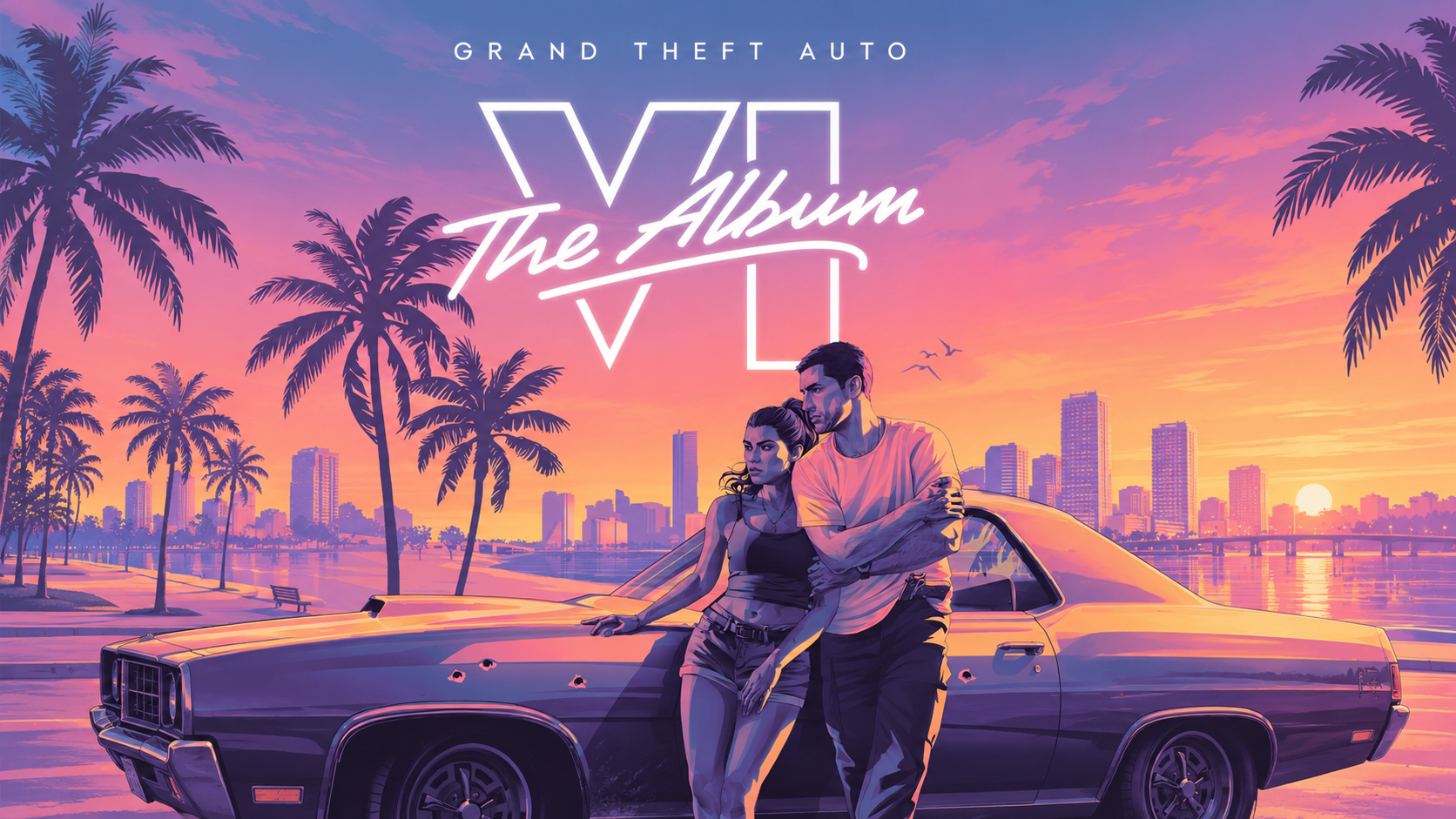
Rockstar Games et Atlantic Records annoncent la sortie de Grand Theft Auto VI: The Album, une compilation de 34 morceaux originaux qui accompagnera le lancement de GTA VI le 19 novembre 2026. Trois éditions physiques sont proposées à la précommande, dont un vinyle en édition limitée. Une sortie prévue le 19 novembre Développé en partenariat avec Atlantic Records, l’album sortira le 19 novembre 2026, date prévue pour le lancement de GTA VI. Les morceaux ont été produits spécifiquement pour le je
-
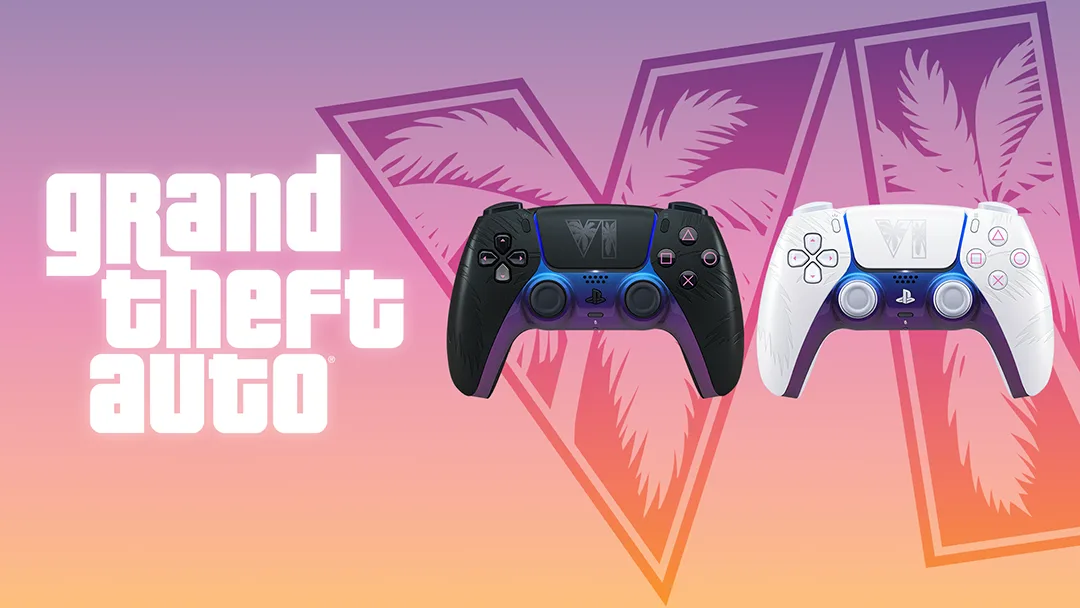
Sony a profité du State of Play du 3 septembre pour dévoiler deux manettes DualSense en édition limitée aux couleurs de Grand Theft Auto VI. Une noire, une blanche, toutes deux inspirées de Vice City, vendues 84,99 € et disponibles le 19 novembre, le jour de la sortie du jeu. Les précommandes ouvrent le 10 septembre à 10 h. Deux manettes, deux moments de la journée Sony n'a pas décliné une seule manette en deux coloris : chaque modèle raconte un moment différent de Vice City. La White Limited Ed
-
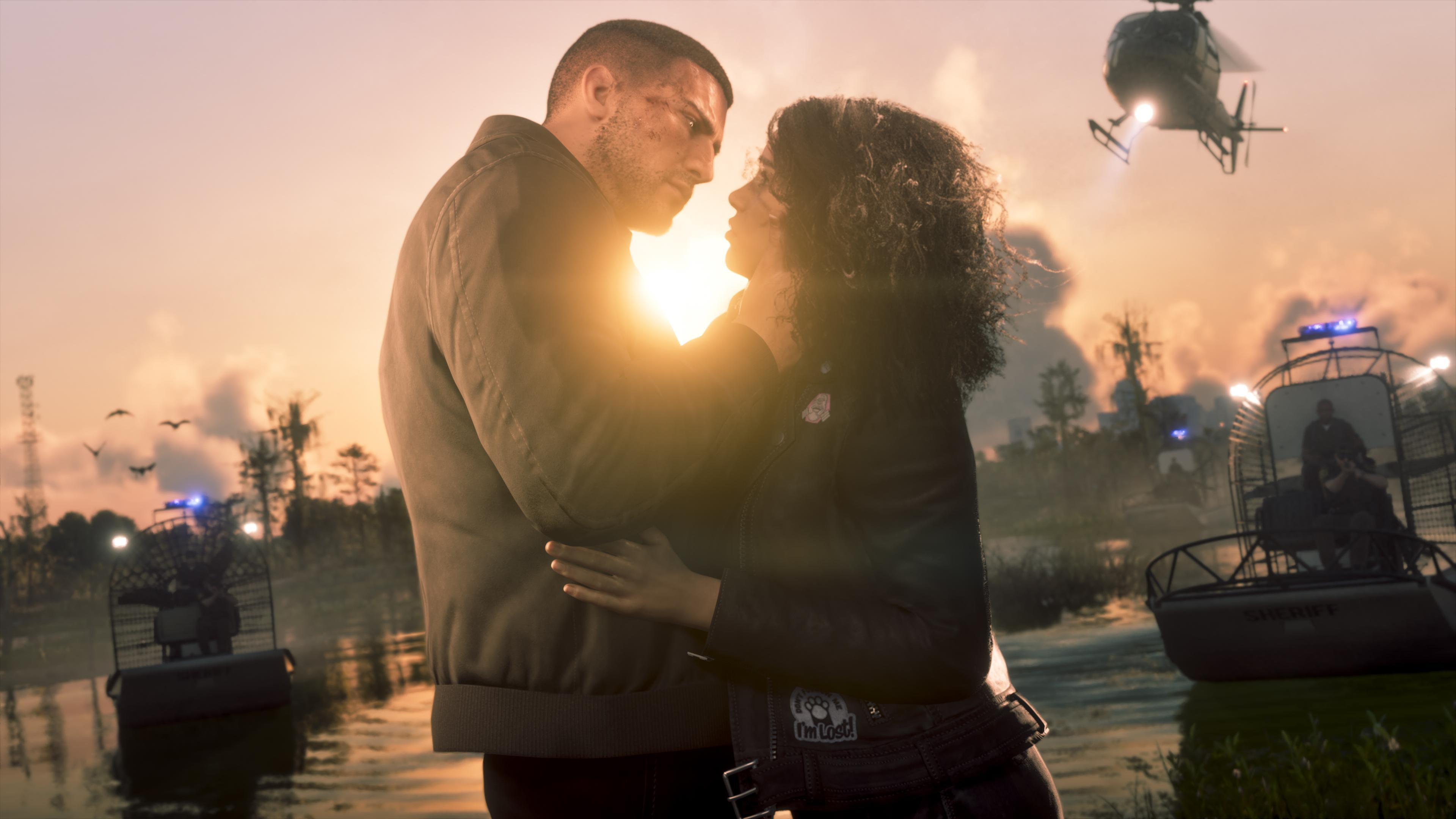
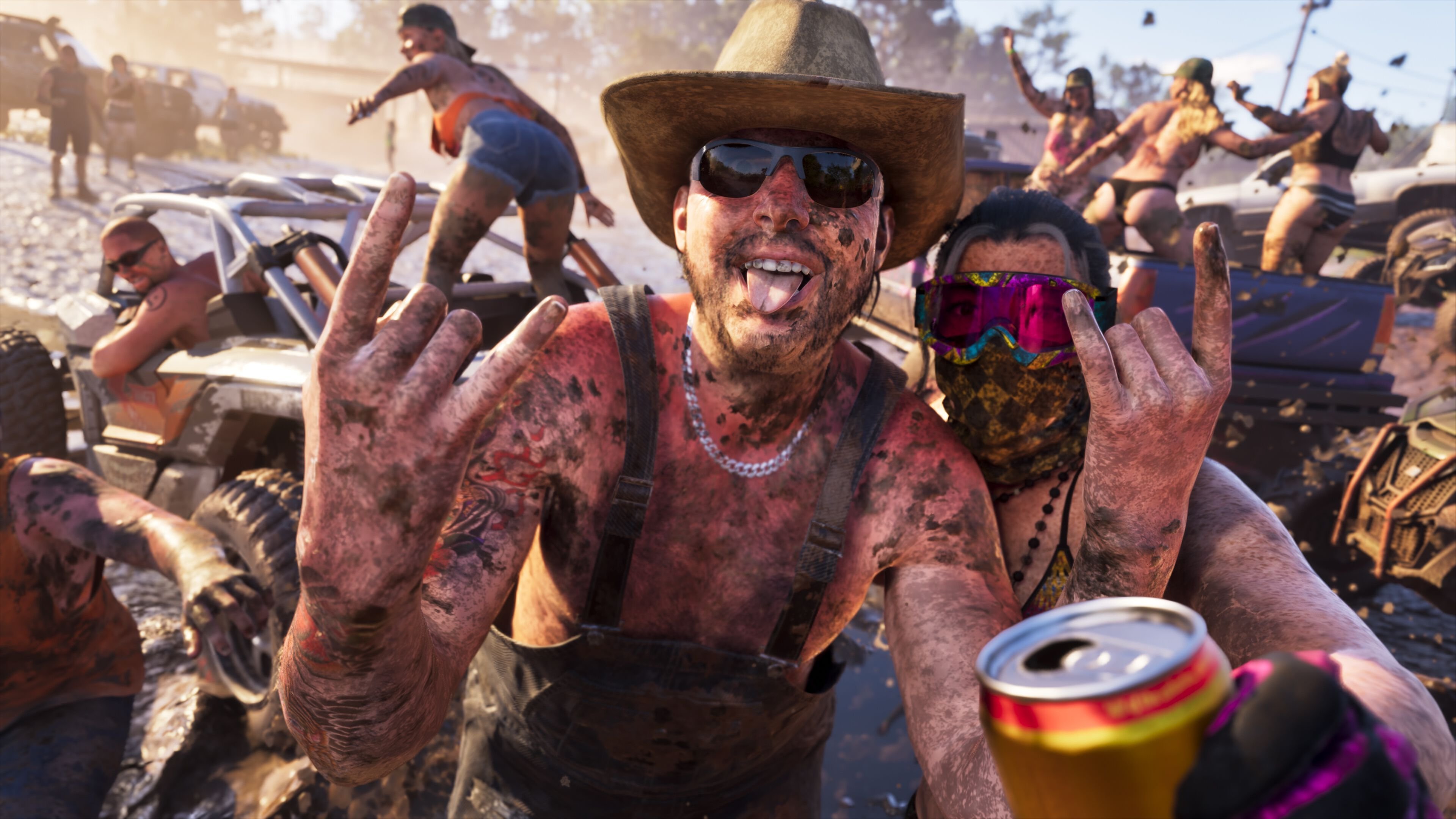
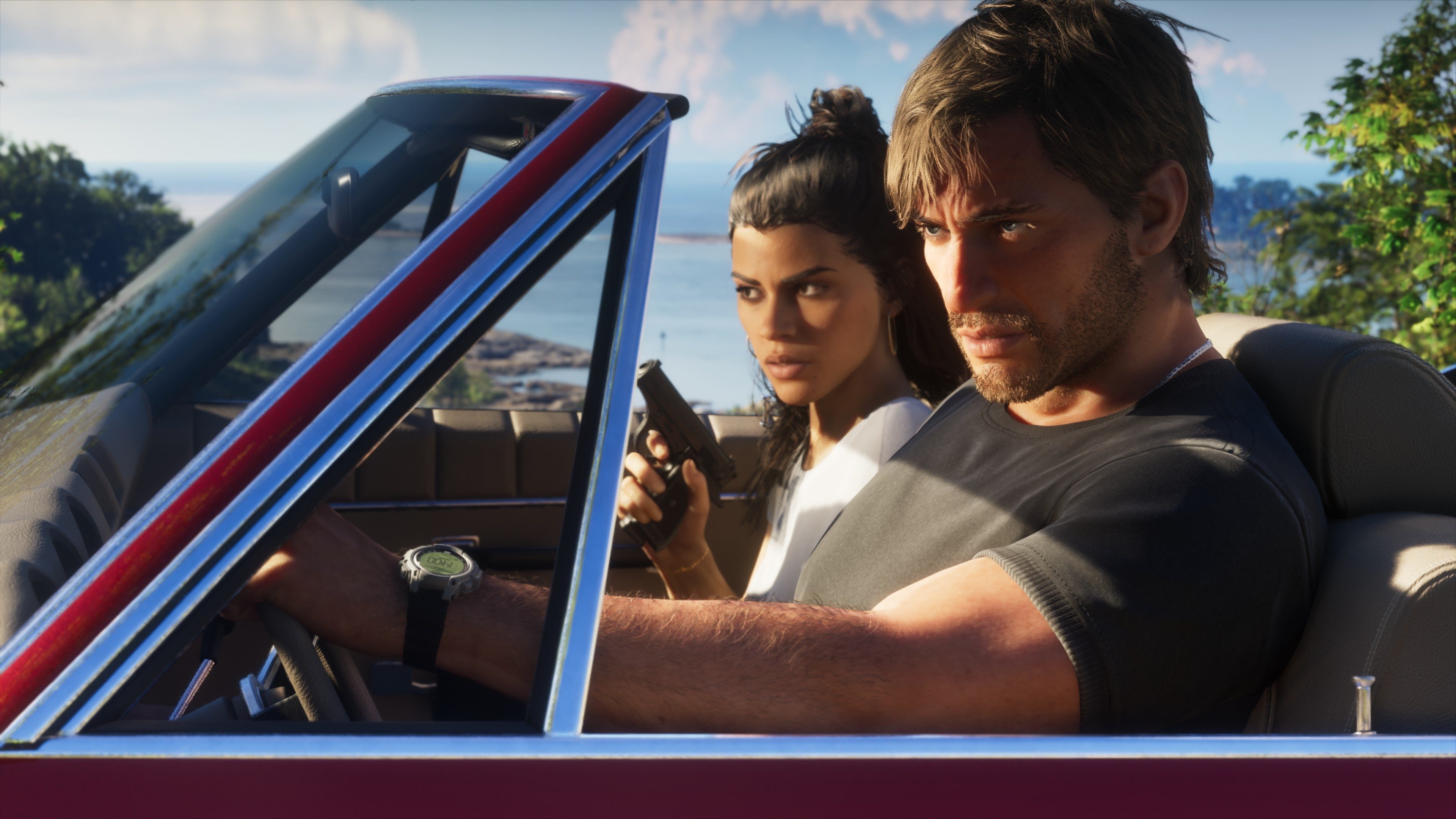
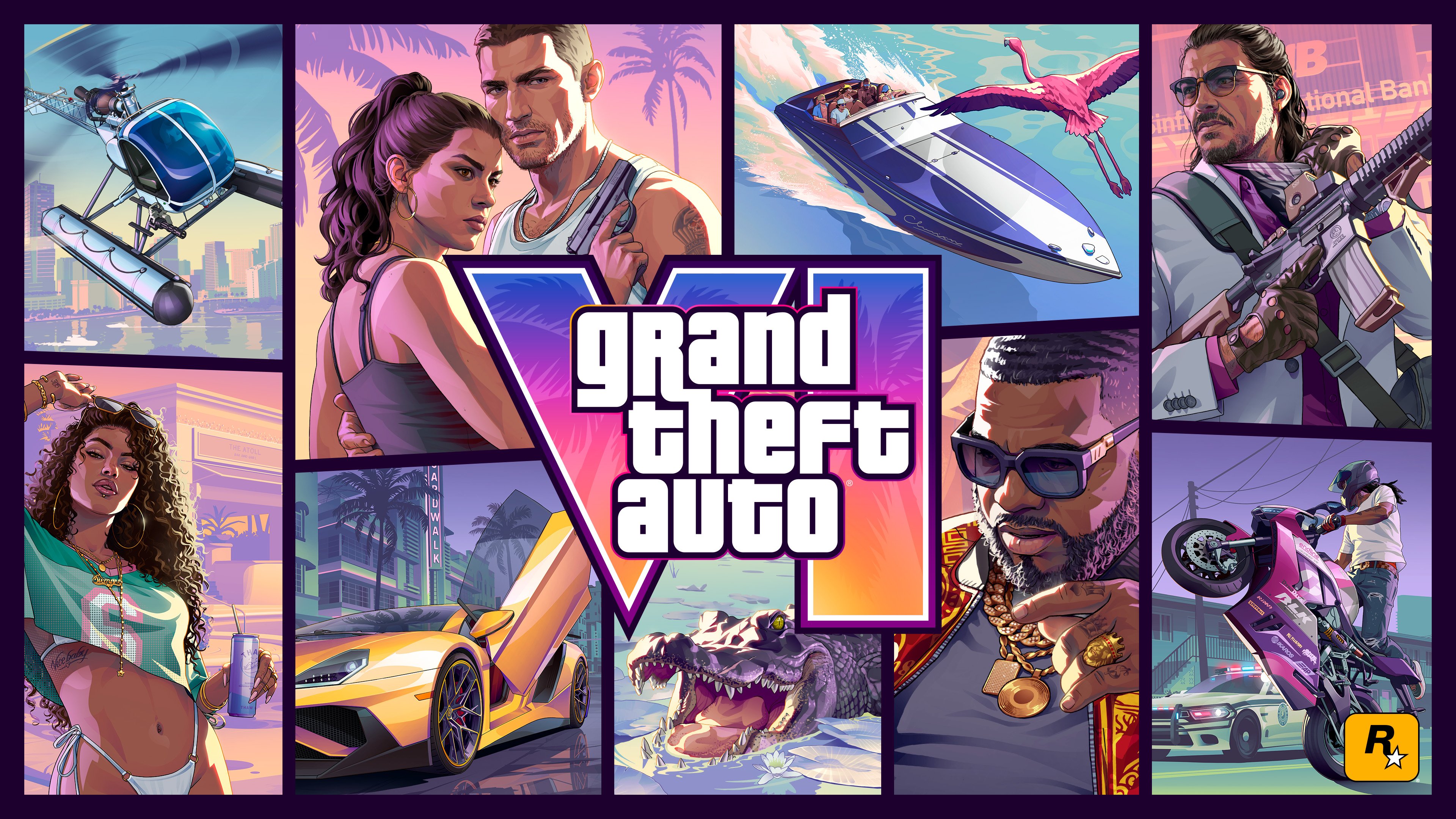
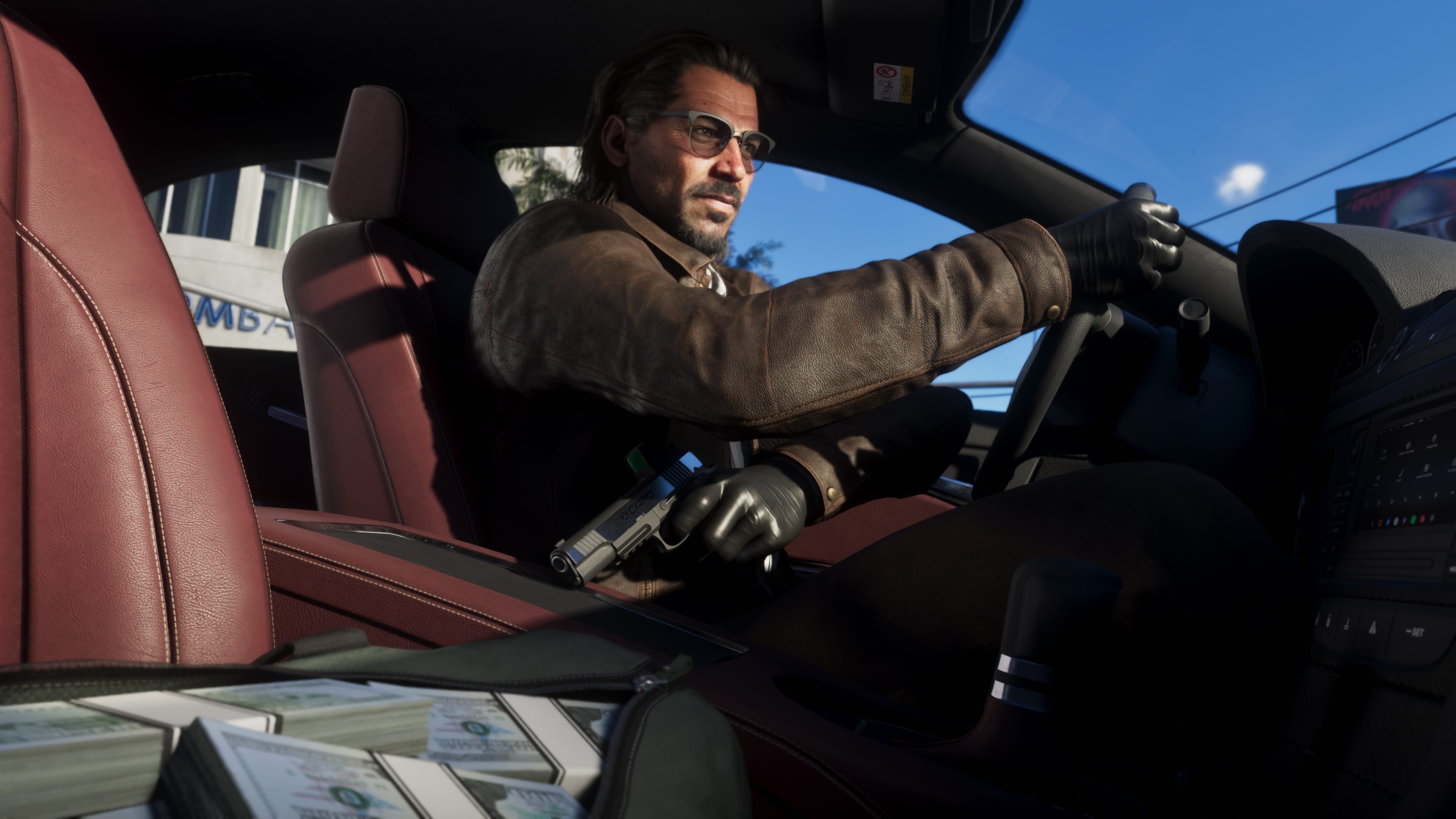
Durant la nuit du 27 au 28 août 2026, plusieurs créateurs de contenu et médias ayant eu l’opportunité de se rendre dans les locaux de Rockstar Games ont dévoilé de nouvelles images inédites de GTA VI. Au total, ce sont 29 nouvelles images qui ont été publiées. Découvrez-les dès maintenant en 4K :
-
Au lendemain de la diffusion de l'aperçu étendu, le magazine japonais Famitsu a publié une longue interview de Rob Nelson, responsable du développement chez Rockstar North. Un entretien accordé après une démonstration de gameplay, et qui met des mots précis sur des systèmes que la vidéo ne faisait qu'esquisser. Voici ce qu'il faut en retenir. Être vu, ou ne pas être recherché Le système de recherche a été repensé en profondeur. Un crime ne déclenche plus d'étoiles que s'il a un témoin, dans la l
-
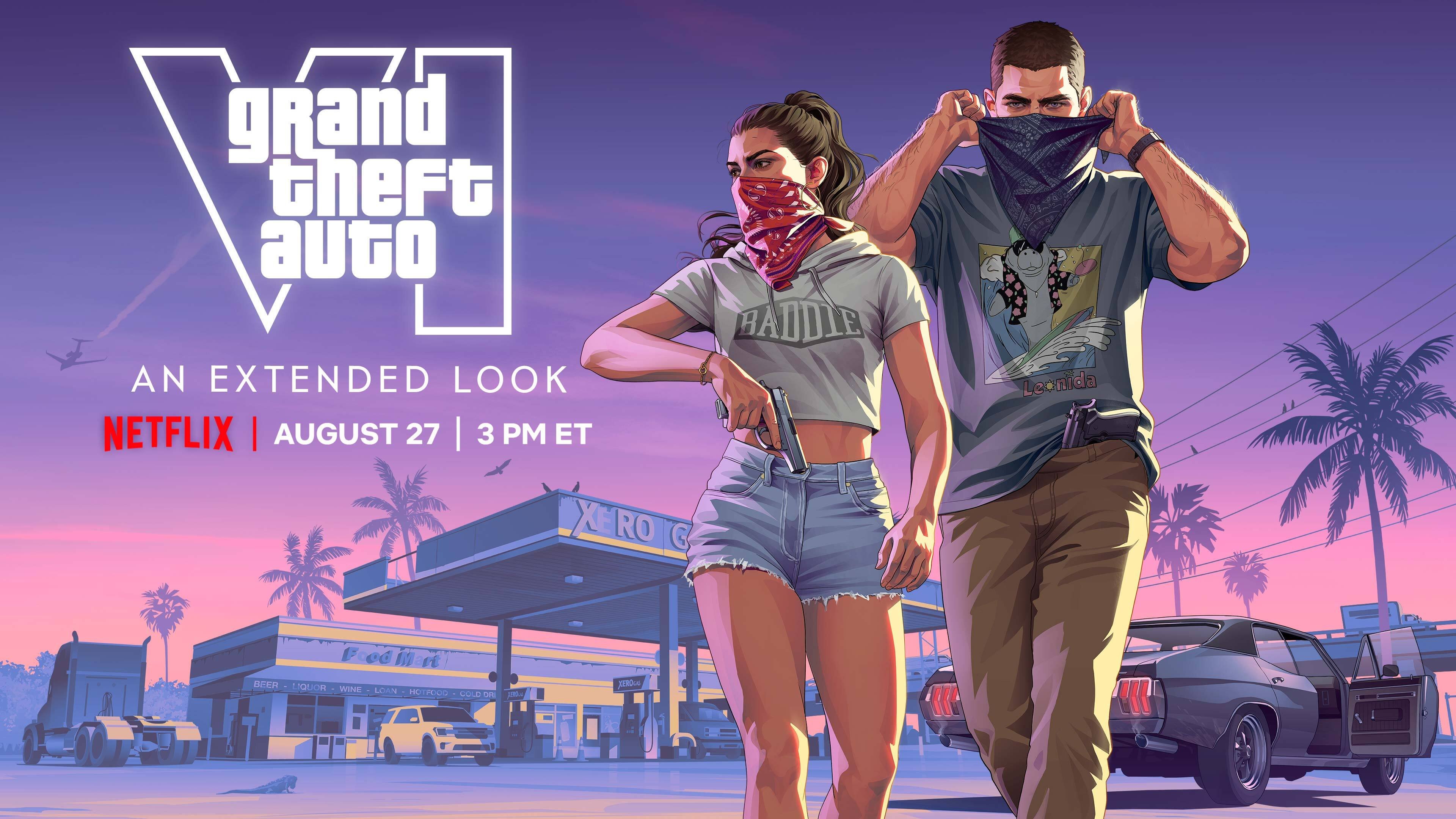
Le 27 août à 21 heures, Rockstar a diffusé Grand Theft Auto VI: An Extended Look en avant-première sur Netflix. La vidéo est depuis disponible gratuitement sur la chaîne YouTube du studio et sur le site officiel du jeu. Elle dure 26 minutes et 49 secondes selon les données renseignées par Netflix, et le studio précise qu'elle a été capturée intégralement à partir d'images de jeu sur PlayStation 5. C'est de très loin la plus longue séquence de gameplay diffusée par Rockstar avant une sortie. En p
-
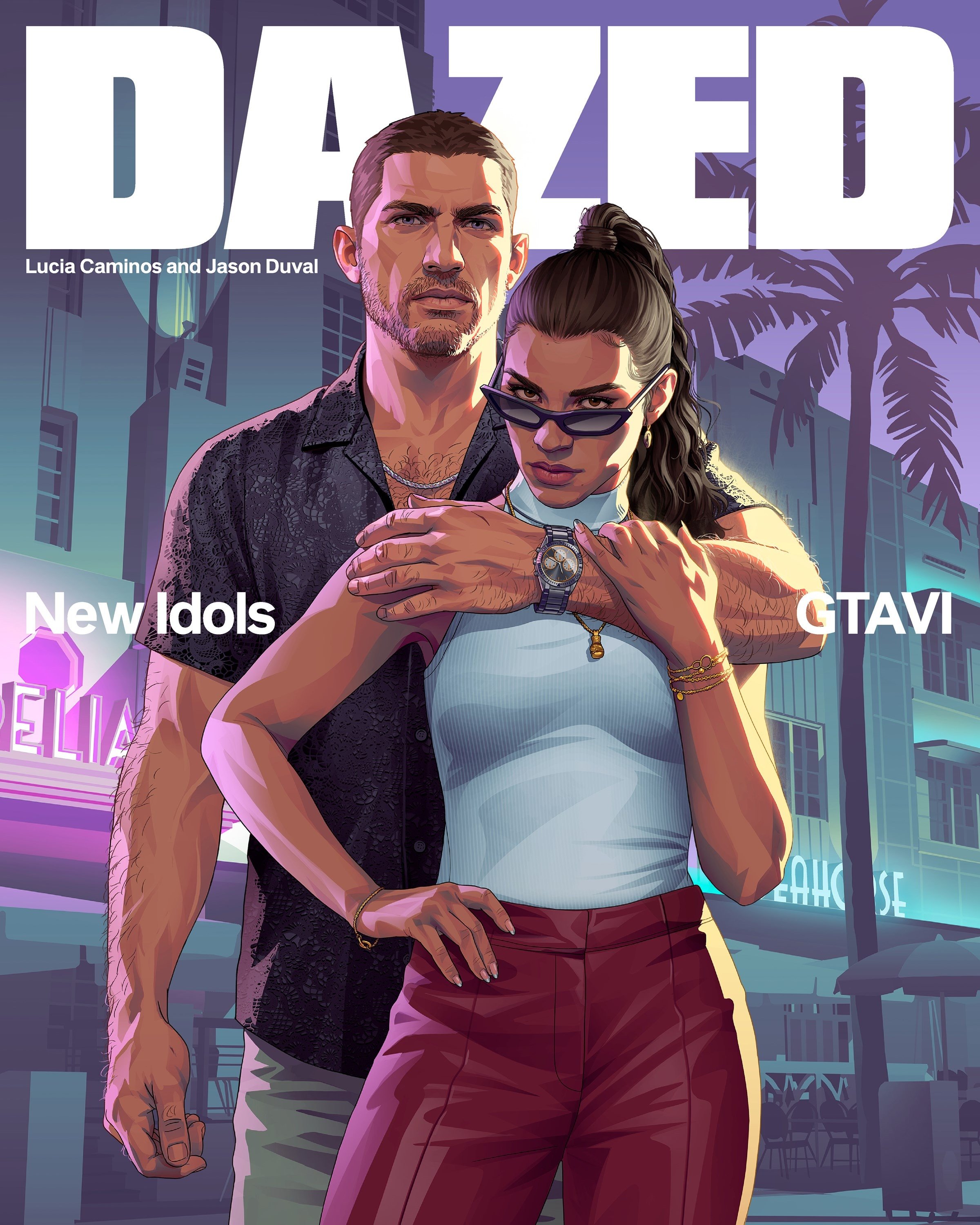
Rockstar ne parle presque jamais. Alors quand le studio ouvre ses portes à un magazine, chaque phrase compte. Le numéro d'automne 2026 de Dazed consacre sa couverture à Lucia Caminos et Jason Duval, avec un dossier exclusif signé Thom Waite et des entretiens rares : Rob Nelson (directeur du développement de Rockstar North), Rupert Humphries (vice-président de la narration), Jamie-Lee Lloyd (direction artistique des personnages), Michael Wiafe (scénariste) et Stu Petri (design 2D et interface). O
-
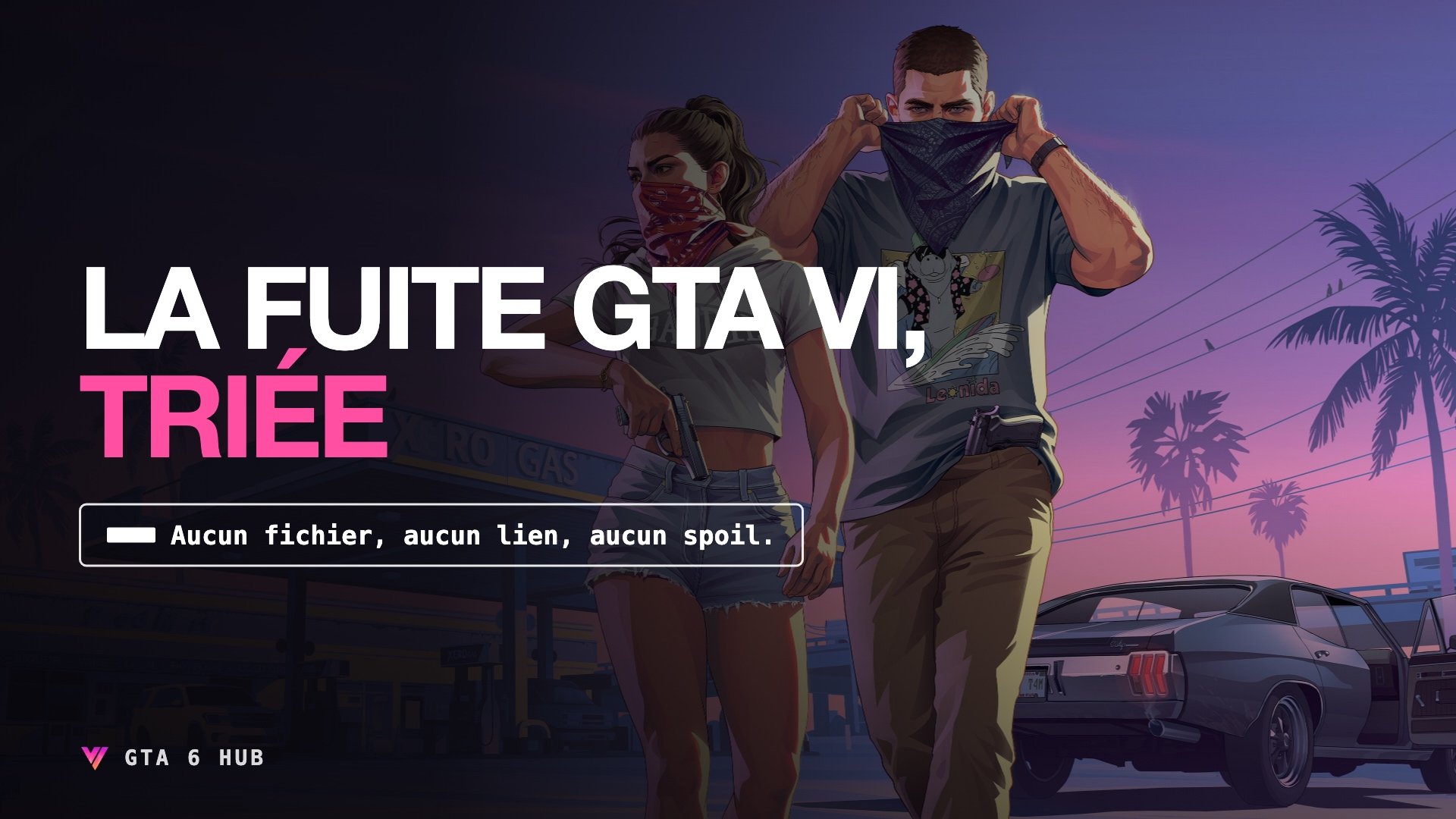
Mis à jour le 24 août 2026. Depuis le 18 août, un groupe qui se fait appeler CYBERLEEK diffuse des fichiers présentés comme du gameplay de Grand Theft Auto VI, à quelques jours de GTA VI: An Extended Look, prévu le 27 août. Entre les vidéos, la carte, un manifeste politique et une cryptomonnaie, tout ne se vaut pas. Voici ce qui tient debout, ce qui ne tient pas, et ce qui relève clairement de l'arnaque. Un mot avant de commencer. Vous ne trouverez ici ni les fichiers, ni les liens, ni les adres
-
Selon le tracker de Sensor Tower, mis à jour le 18 août 2026, Grand Theft Auto VI totaliserait déjà 4,38 millions de précommandes sur PlayStation 5 et Xbox Series X|S. Ces ventes représenteraient environ 429 millions de dollars de revenus, après déduction des annulations et remboursements estimés. Il ne s’agit pas de chiffres officiels communiqués par Rockstar Games ou Take-Two, mais d’estimations établies par Sensor Tower. PlayStation largement devant Xbox La répartition affichée par le tracke
-
Rockstar Games a annoncé ce 6 août la diffusion de « Grand Theft Auto VI: An Extended Look », d'abord sur Netflix, puis sur YouTube et le site officiel six heures plus tard. Voici ce qui est confirmé, ce qui ne l'est pas, et ce que ce calendrier raconte. Ce que Rockstar a annoncé Dans un communiqué publié sur son Newswire le 6 août 2026, Rockstar Games annonce « Grand Theft Auto VI: An Extended Look ». La vidéo sera diffusée en avant-première sur Netflix le jeudi 27 août à 15h00 heure de l'Est.
-
Take-Two Interactive a annoncé qu’il publiera ses résultats financiers du premier trimestre fiscal 2027 le vendredi 7 août 2026, avant l’ouverture des marchés américains. Le trimestre concerné s’est terminé le 30 juin 2026. Une conférence téléphonique est également prévue à 8h00 heure de New York, soit 14h00 en France, avec un webcast disponible sur le site investisseurs de Take-Two. À première vue, il s’agit d’un simple rendez-vous financier. Mais à quelques mois de la sortie de Grand Theft Aut
-
Sony vient d’annoncer l’arrêt de la production de disques physiques pour les nouveaux jeux PlayStation à partir de janvier 2028. Une décision qui n’impacte pas directement GTA VI, prévu pour novembre 2026, mais qui rend la question de sa vraie version disque encore plus symbolique. Sony Interactive Entertainment a annoncé ce 1er juillet 2026 un changement majeur pour l’avenir du jeu physique sur consoles PlayStation : à partir de janvier 2028, les nouveaux jeux sortant sur PlayStation ne seront
-
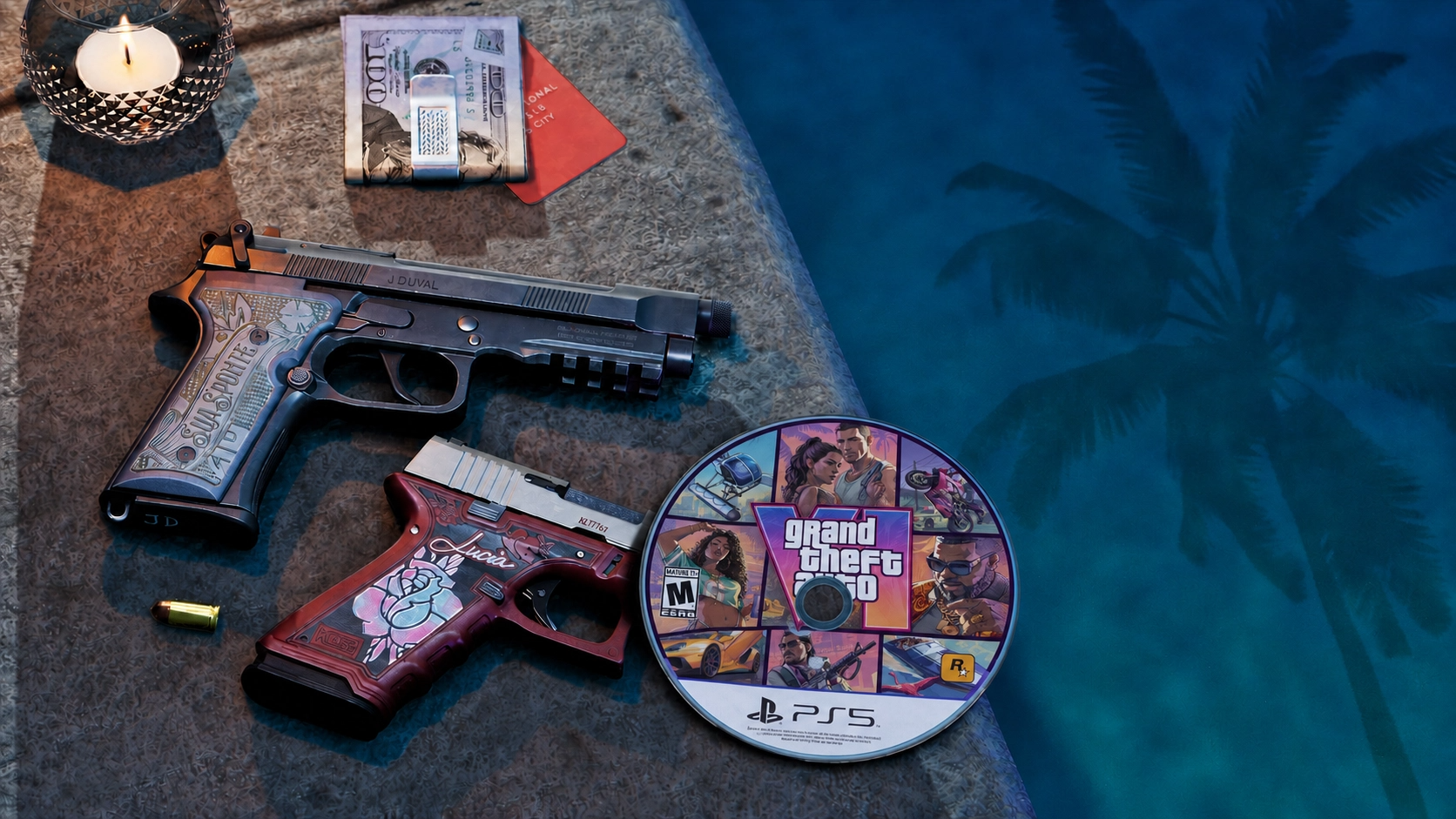
La version physique de Grand Theft Auto VI disponible le 19 novembre 2026 ne contiendra qu'un code de téléchargement, sans disque. Une situation officiellement confirmée par Rockstar Games, mais qui pourrait évoluer dès le mois suivant selon un nouveau rapport. Pas de disque au lancement, c'est confirmé Rockstar Games l'a annoncé officiellement : la boîte physique de GTA VI, qu'il s'agisse de l'édition Standard ou de l'édition Ultimate, contiendra uniquement un code de téléchargement. Cette vers
-
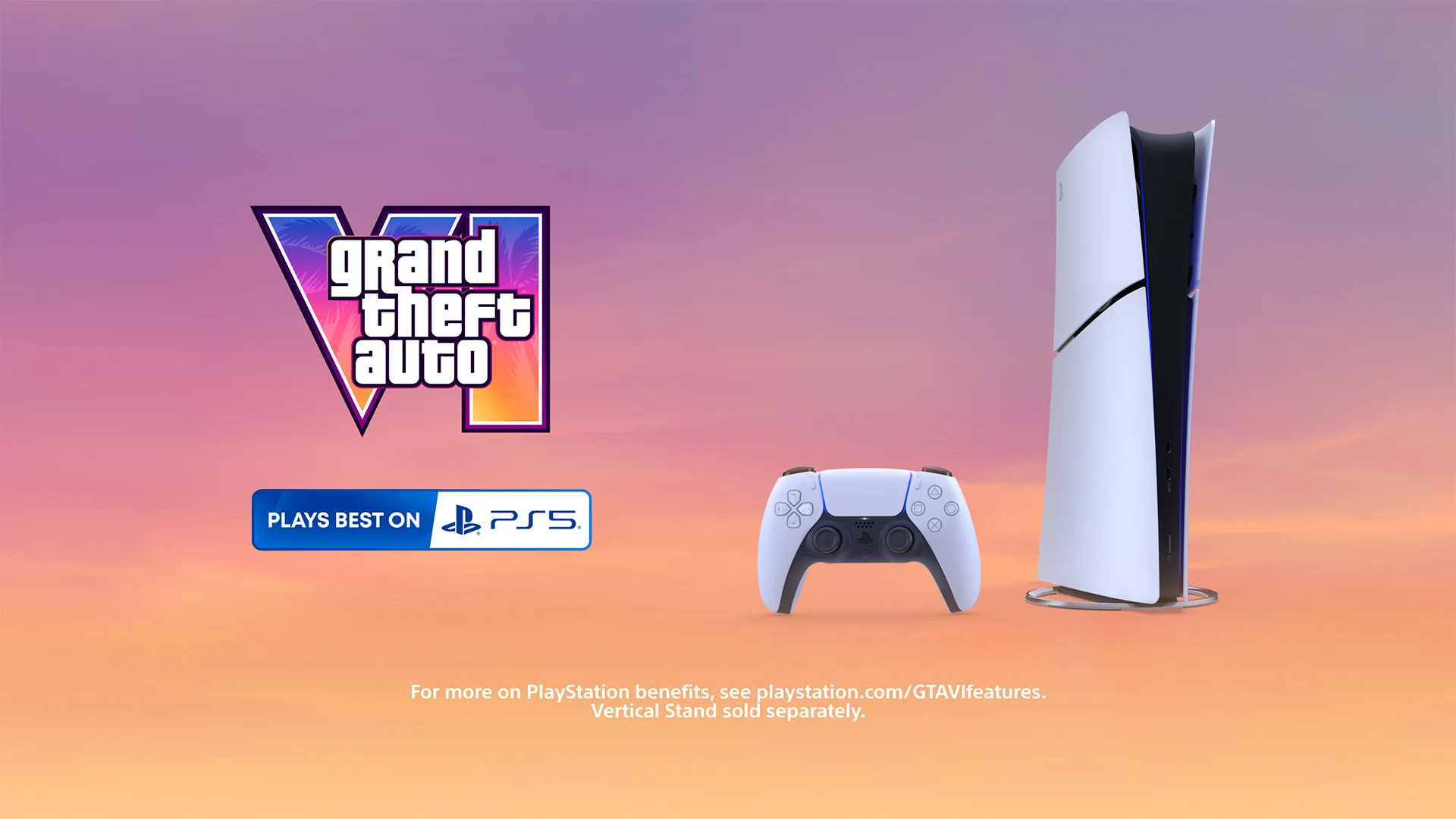
Sony Interactive Entertainment (SIE) et Rockstar Games ont confirmé un partenariat renforcé autour de la sortie de Grand Theft Auto VI, prévue le 19 novembre 2026. Selon les deux entreprises, la PlayStation 5 proposera la meilleure expérience de jeu disponible pour découvrir l'État de Leonida, grâce à plusieurs fonctionnalités exclusives à la console. La manette DualSense plongée dans Leonida La manette sans fil DualSense sera mise à contribution pour renforcer l'immersion dans l'histoire de Ja
-
Take-Two et Rockstar Games ont détaillé l’ouverture des précommandes de Grand Theft Auto VI, prévue le 25 juin 2026 à minuit, heure locale. Prix, édition Ultimate, bonus et préchargement : voici toutes les informations officielles. GTA VI proposé à partir de 79,99 dollars GTA VI sera commercialisé à partir de 79,99 dollars sur PlayStation 5 et Xbox Series X|S. Les tarifs en euros seront visibles lors de l’ouverture des précommandes sur les différentes boutiques. Le jeu sera disponible sur : Play
-
Rockstar Games vient de franchir une nouvelle étape dans la communication autour de Grand Theft Auto VI. Le studio a confirmé que les précommandes de GTA VI ouvriront officiellement le 25 juin 2026. L’information a été publiée directement par Rockstar sur X, puis reprise sur la page officielle du jeu, qui affiche désormais la mention “Pre-order on June 25”. Pour le moment, GTA VI est toujours annoncé pour le 19 novembre 2026 sur PlayStation 5 et Xbox Series X|S. Cette ouverture des précommandes
-
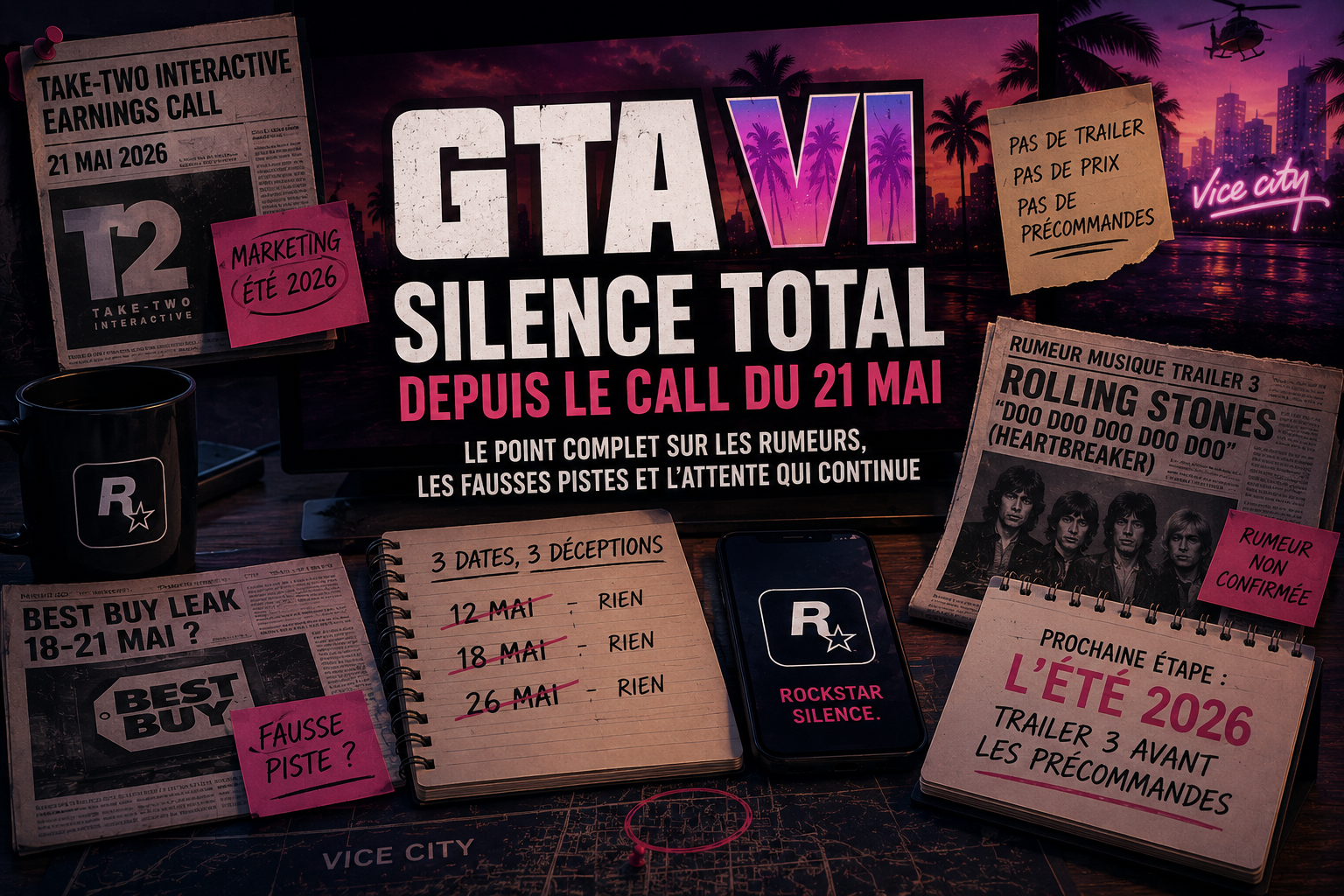
Depuis l'earnings call de Take-Two Interactive le 21 mai, Rockstar Games observe un silence total. Toujours pas de trailer 3, pas de prix, pas de précommandes. Pourtant, les dernières semaines ont été denses : leak de Best Buy, fausses fenêtres de lancement, leakers en pagaille et rumeurs sur la musique du prochain trailer. Voici le point complet sur ce qu'on sait, ce qui ne s'est pas produit, et ce qui nous attend. Au programme de cet article : Le call du 21 mai : ce que Strauss Zelnick a vraim
-
Take-Two Interactive a publié ses résultats du quatrième trimestre et de l’exercice fiscal 2026, accompagnés d’une conférence investisseurs particulièrement attendue par les fans de GTA VI. Il ne s’agissait pas d’un événement Rockstar, ni d’une présentation dédiée au jeu. Aucun trailer, aucune image, aucune annonce de précommande ou de prix n’a été dévoilé. Mais plusieurs éléments importants permettent de mieux comprendre comment Take-Two prépare l’année de lancement de Grand Theft Auto VI. Le p
-
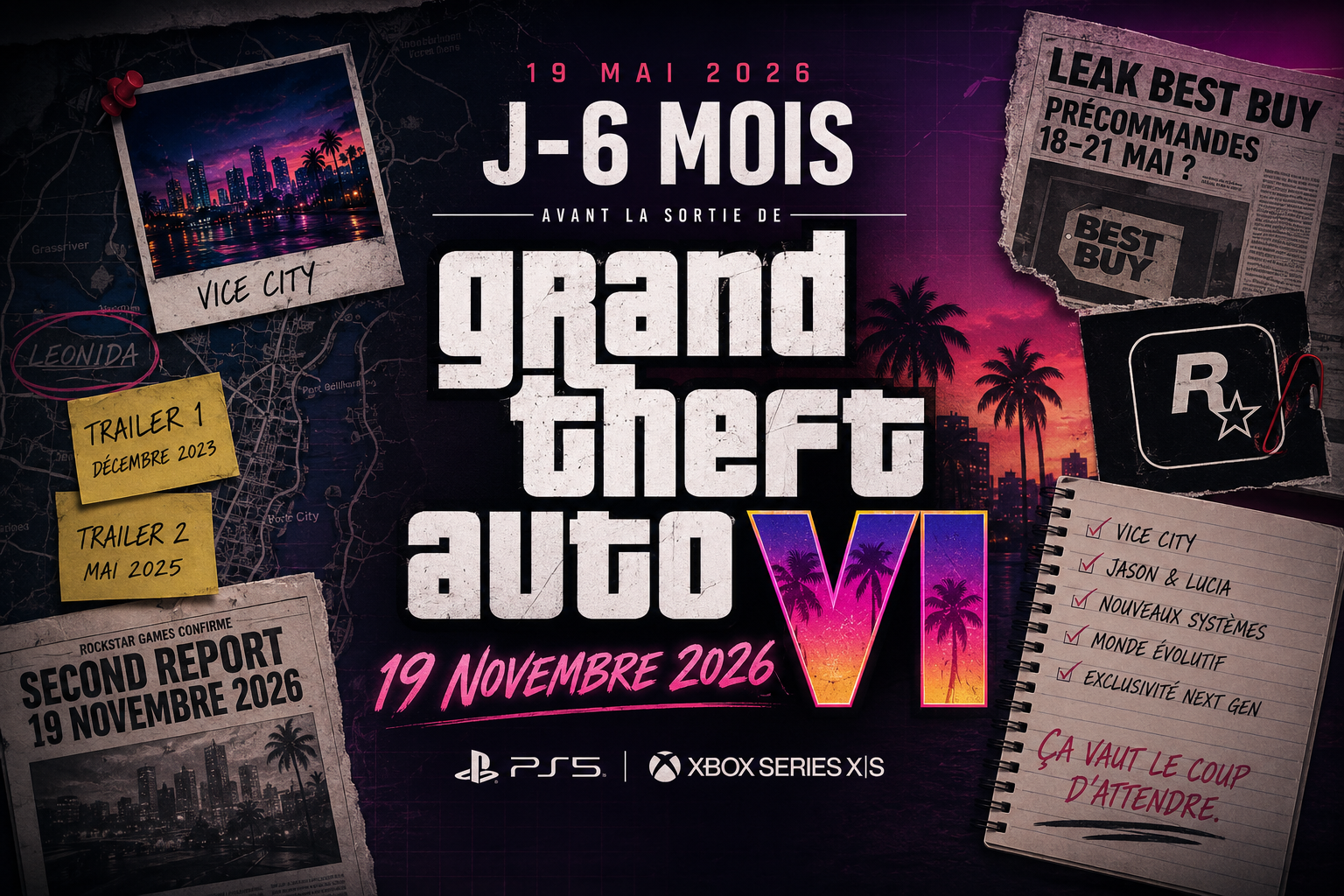
Aujourd'hui, la date du 19/05/2026 marque exactement six mois avant le lancement de Grand Theft Auto VI, prévu le 19 novembre 2026 sur PS5 et Xbox Series X|S. L'occasion de retracer ensemble, point par point, tous les moments forts qui ont jalonné cette attente hors du commun depuis la première confirmation officielle de Rockstar Games. Au programme de cet article : Février 2022 - La confirmation officielle de Rockstar Games Septembre 2022 - Le méga-leak qui a tout changé Novembre 2023 - L'ann
-
Strauss Zelnick, le PDG de Take-Two Interactive, a encore évoqué Grand Theft Auto VI dans une interview récente. Sans grande surprise, le sujet de la date de sortie est rapidement revenu sur la table, tant l’attente autour du jeu reste immense. Interrogé sur la pression liée à GTA VI, Zelnick rappelle que Take-Two et Rockstar sont assis sur l’une des propriétés intellectuelles les plus importantes de l’industrie du divertissement. Quand on lui demande comment il gère les questions autour du cale
-
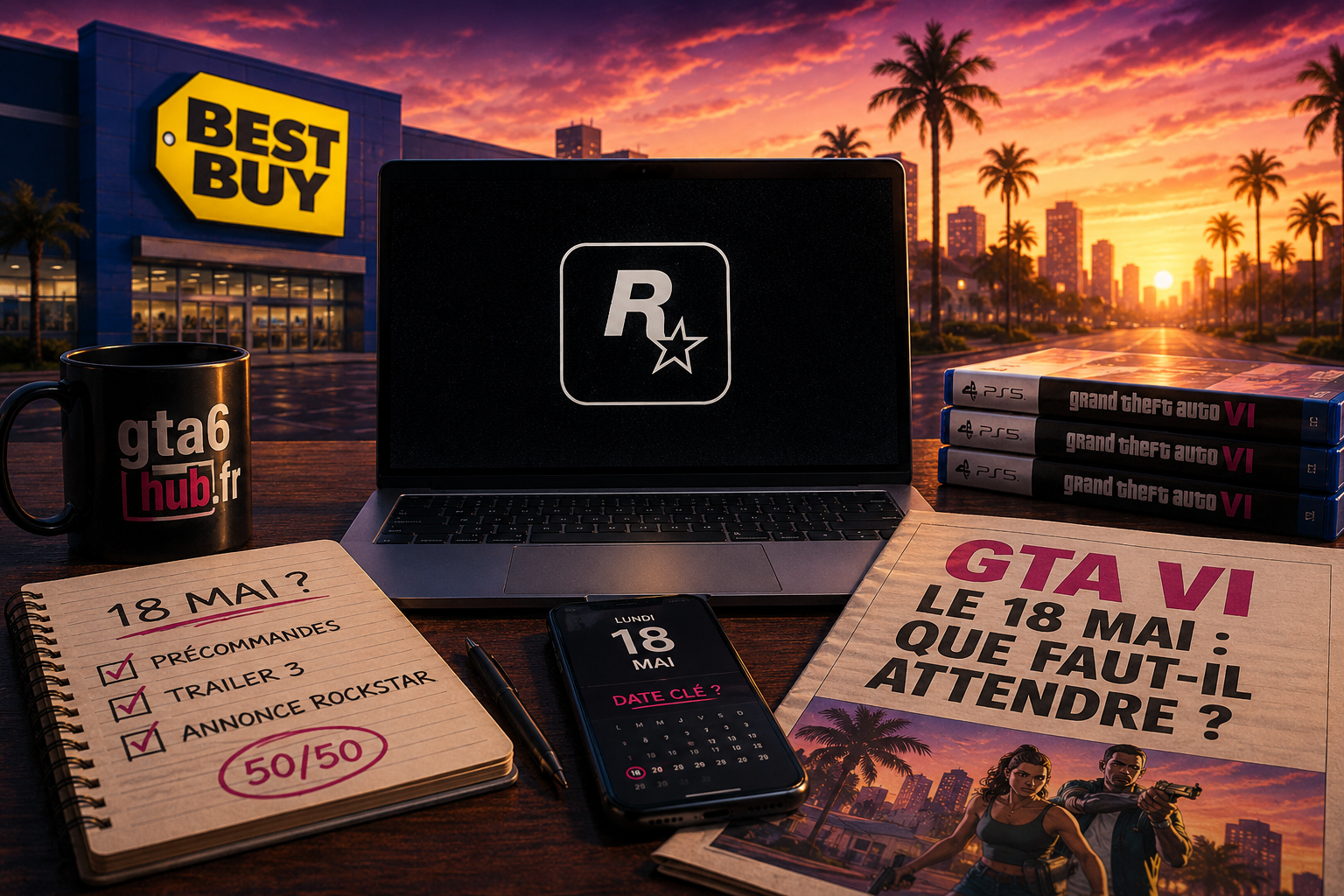
Le week-end est en train de s'écouler sans la moindre communication officielle de Rockstar Games. Pas de trailer, pas de tweet. Et pourtant, demain, lundi 18 mai est la date que tout le monde scrute depuis que l'email interne de Best Buy a fuité la semaine dernière. Alors on s'est posé une question : que faut-il vraiment attendre de ce lundi ? Petit rappel : où en est-on ? Si vous n'avez pas suivi l'affaire de l'email Best Buy qui a enflammé la communauté en début de semaine, nous vous inviton
-
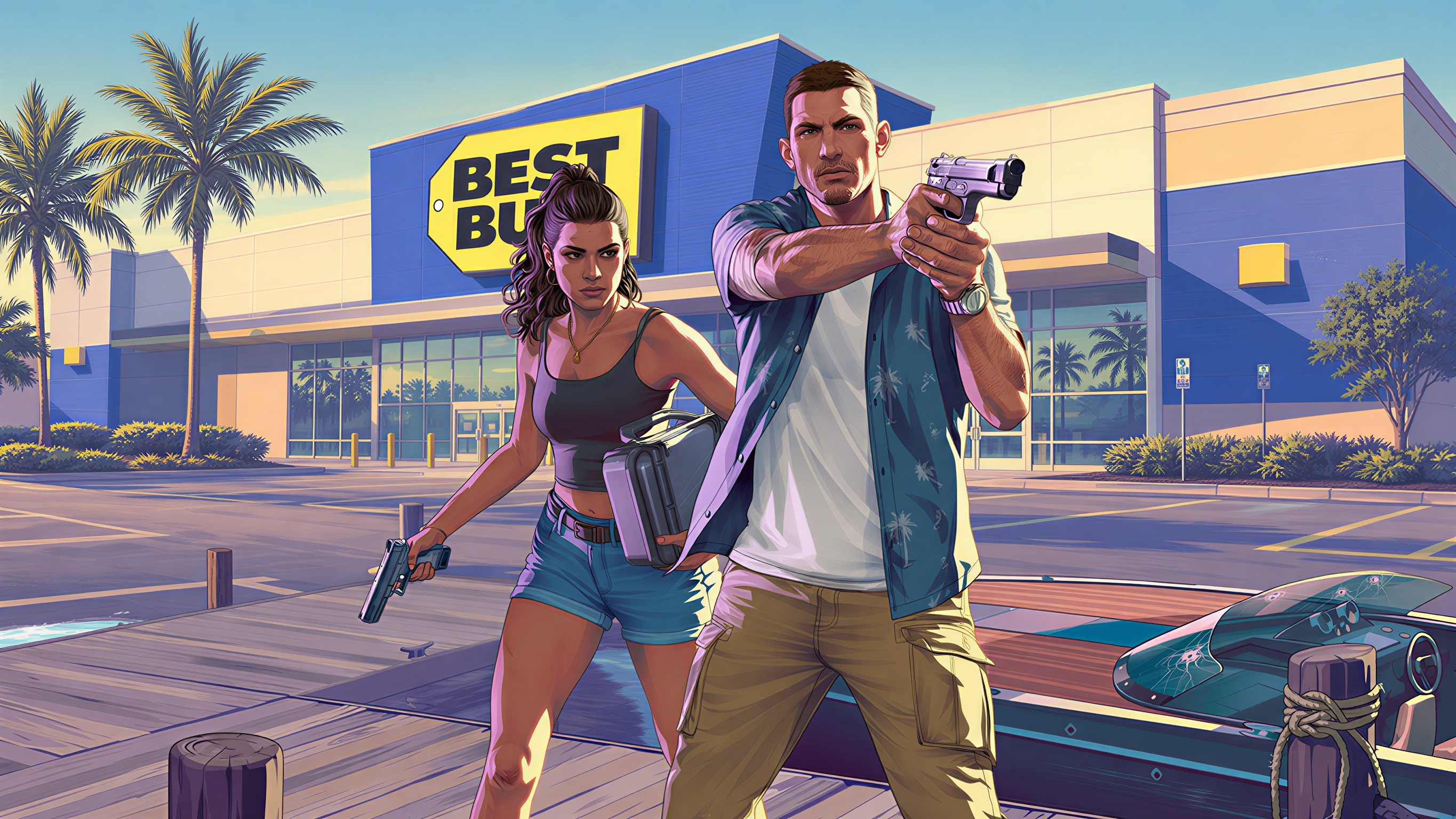
Les spéculations autour des précommandes de GTA VI viennent de repartir de plus belle. Sur X, Frogboyx1Gaming a partagé une capture montrant ce qui semble être un email ou un espace affilié lié à Best Buy, avec une campagne nommée “GTA 6 Pre Order (Physical Game)”. Sur la capture, plusieurs éléments attirent l’attention : la campagne serait prévue du 18 mai 2026 au 21 mai 2026, avec une commission affiliée indiquée à 5% pour les ventes en ligne. Forcément, ce genre de détail suffit à relancer le
-
Take-Two Interactive a confirmé sa participation à la TD Cowen 54th Annual Technology, Media & Telecom Conference, un rendez-vous orienté business, médias, technologies et investisseurs. L’évènement aura lieu le mercredi 27 mai 2026. Strauss Zelnick, président-directeur général de Take-Two, participera à un échange de type “fireside chat” prévu à 10h15 Eastern Time, soit 16h15 en France. Il ne s’agit pas d’un évènement Rockstar Games, ni d’une présentation dédiée à GTA VI. Ce type de confére
-
À mesure que la sortie de GTA VI approche, les prises de parole de Take-Two confirment une chose : Rockstar ne développe pas un jeu parmi d’autres, mais un projet pensé comme un événement majeur pour toute l’industrie. Dans un entretien accordé à Bloomberg, Strauss Zelnick, le patron de Take-Two Interactive, a de nouveau insisté sur l’ampleur des ambitions autour de GTA VI. L’idée est claire : Rockstar doit disposer du temps, des équipes et des ressources nécessaires pour livrer un jeu à la haut
-
Take-Two Interactive a programmé son prochain appel financier au 21 mai 2026 à 22h30, heure française. Cette conférence portera sur les résultats du quatrième trimestre fiscal 2026 du groupe. Sur le papier, il ne s’agit pas d’un événement pensé pour le grand public. Les appels financiers de Take-Two s’adressent avant tout aux investisseurs, aux analystes et aux observateurs du marché. Pourtant, à quelques mois de la sortie de Grand Theft Auto VI, ce type de rendez-vous prend forcément une dimens
-
Rockstar Games a confirmé le 11 avril 2026 avoir été touché par une violation de sécurité impliquant un prestataire tiers, dans une affaire qui a rapidement alimenté les spéculations en ligne. Selon les informations communiquées, l’incident a permis l’accès à une quantité limitée d’informations internes d’entreprise. Rockstar précise toutefois que ces données ne concernent pas les joueurs et qu’aucun impact n’a été constaté sur ses services, sur les comptes ou sur l’expérience utilisateur. Le po