


Wiki VI
Base encyclopédique de Grand Theft Auto VI, pensée pour centraliser personnages, lieux, gameplay, missions, radios et tout ce qui compose Leonida.
-
Catégories
-
Gameplay & astuces
- Conseils & stratégies
- Secrets & easter eggs
- Argent & économie
- Complétion à 100 %
- Codes de triche
- Activités
Guides, conseils et mécaniques pour mieux comprendre GTA VI, progresser plus vite et tirer parti de tout ce que Leonida a à offrir.Pas encore de fiches ici -
Cartes & lieux
- Carte complète de Leonida
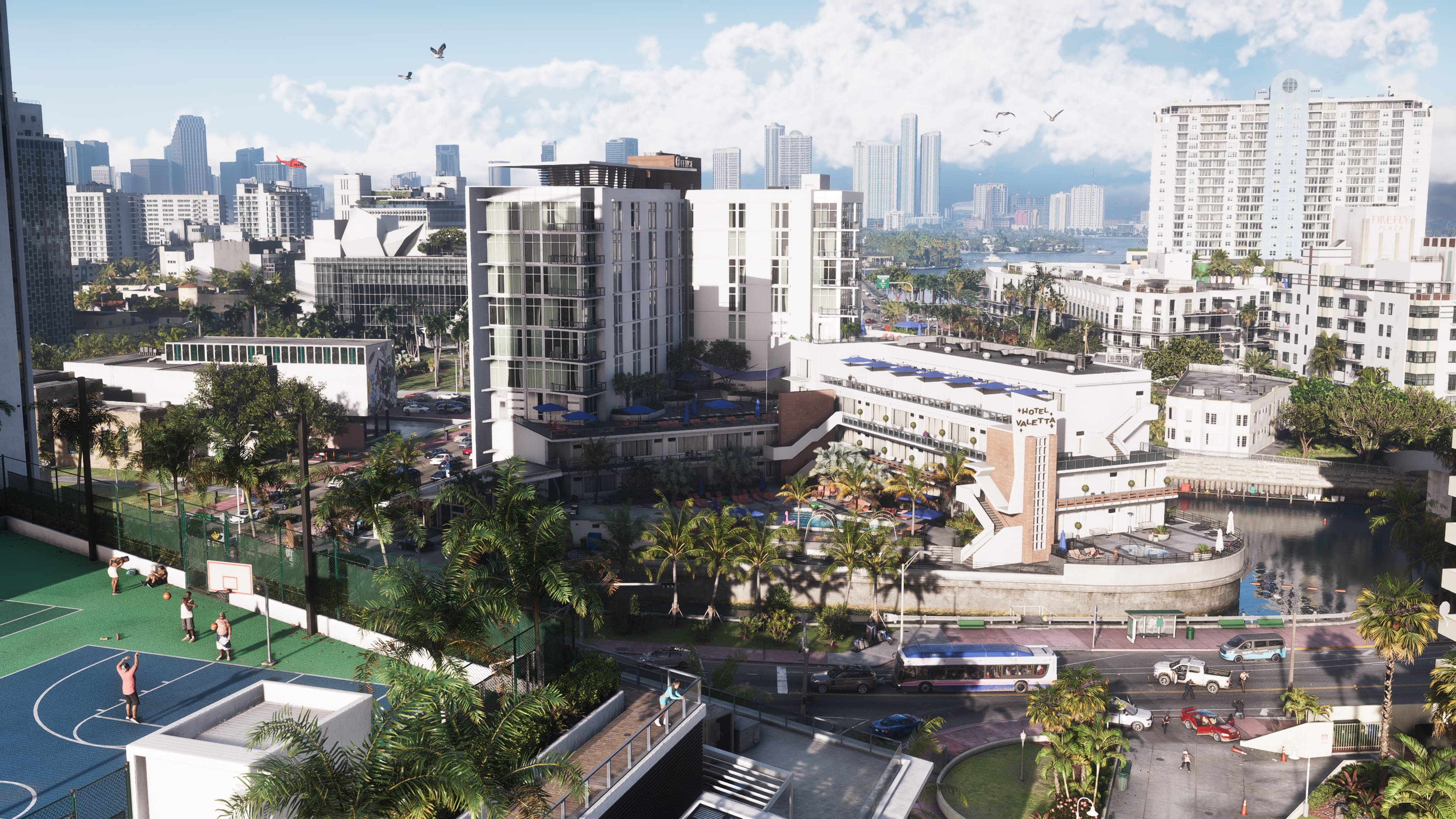
- Districts & quartiers
- Régions & villes
- Points d’intérêt
- Zones de danger
- Lieux secrets & caches
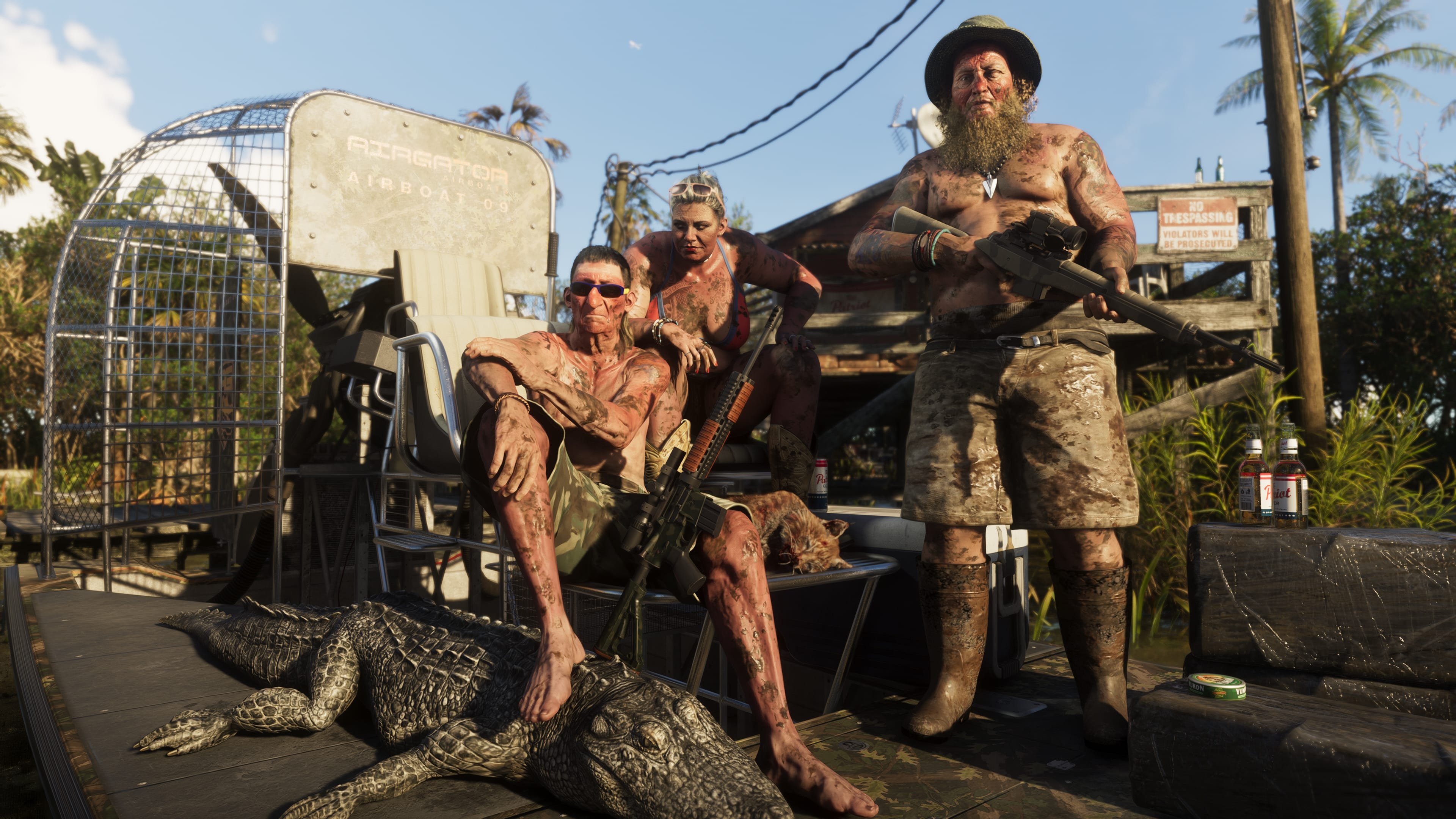
- Animaux
- Lieux emblématiques
Tout ce qui permet de lire Leonida comme un territoire vivant : carte générale, quartiers, zones à risque, repères majeurs et lieux cachés.- 15 fiches
-
Personnages
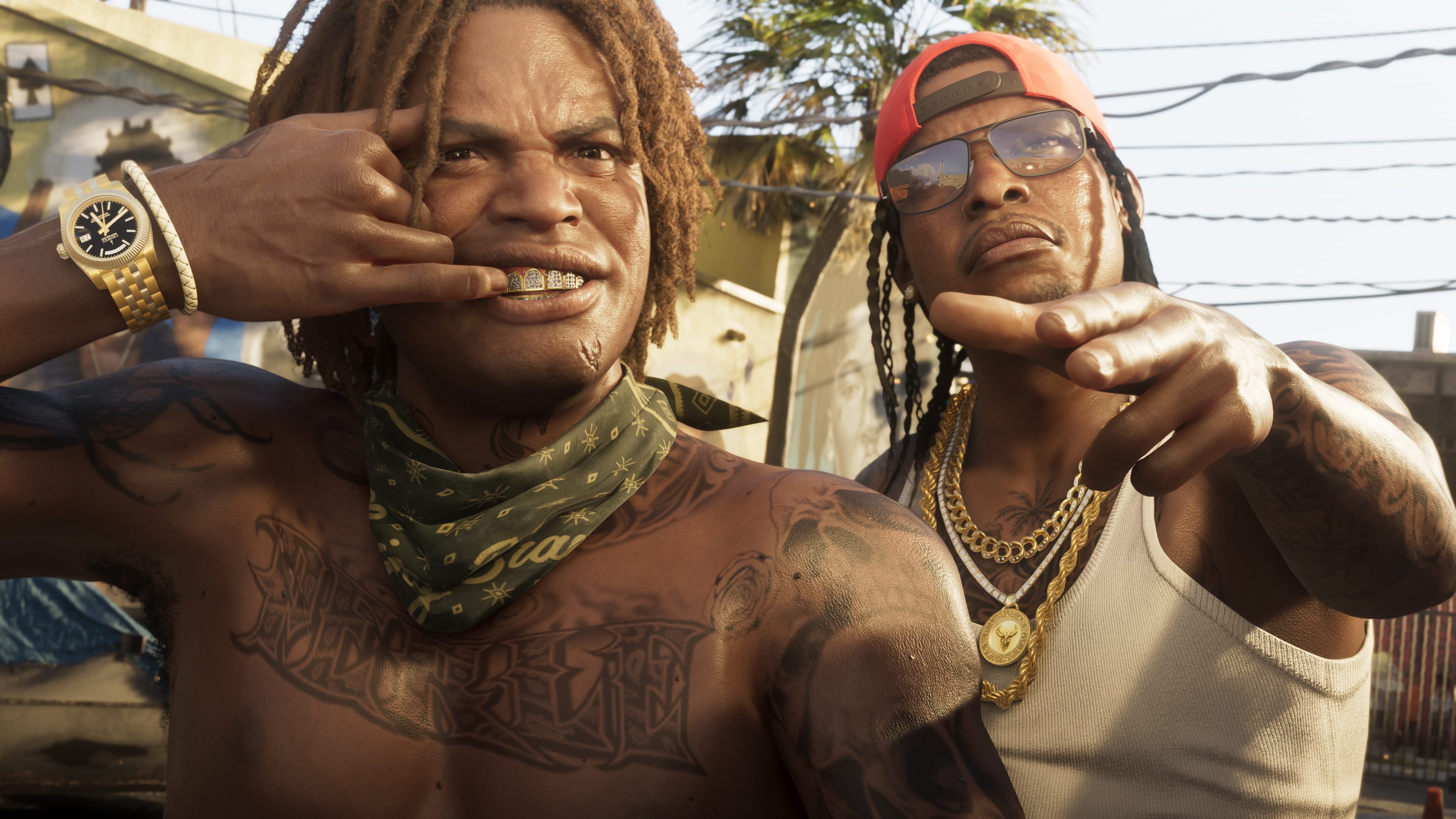
Toutes les fiches personnages de GTA VI, des protagonistes aux figures secondaires qui façonnent le récit de Leonida. -
Factions & gangs
Les groupes, institutions et rapports de force qui structurent l’équilibre de Leonida, de la rue aux organisations plus installées.Pas encore de fiches ici -
Véhicules
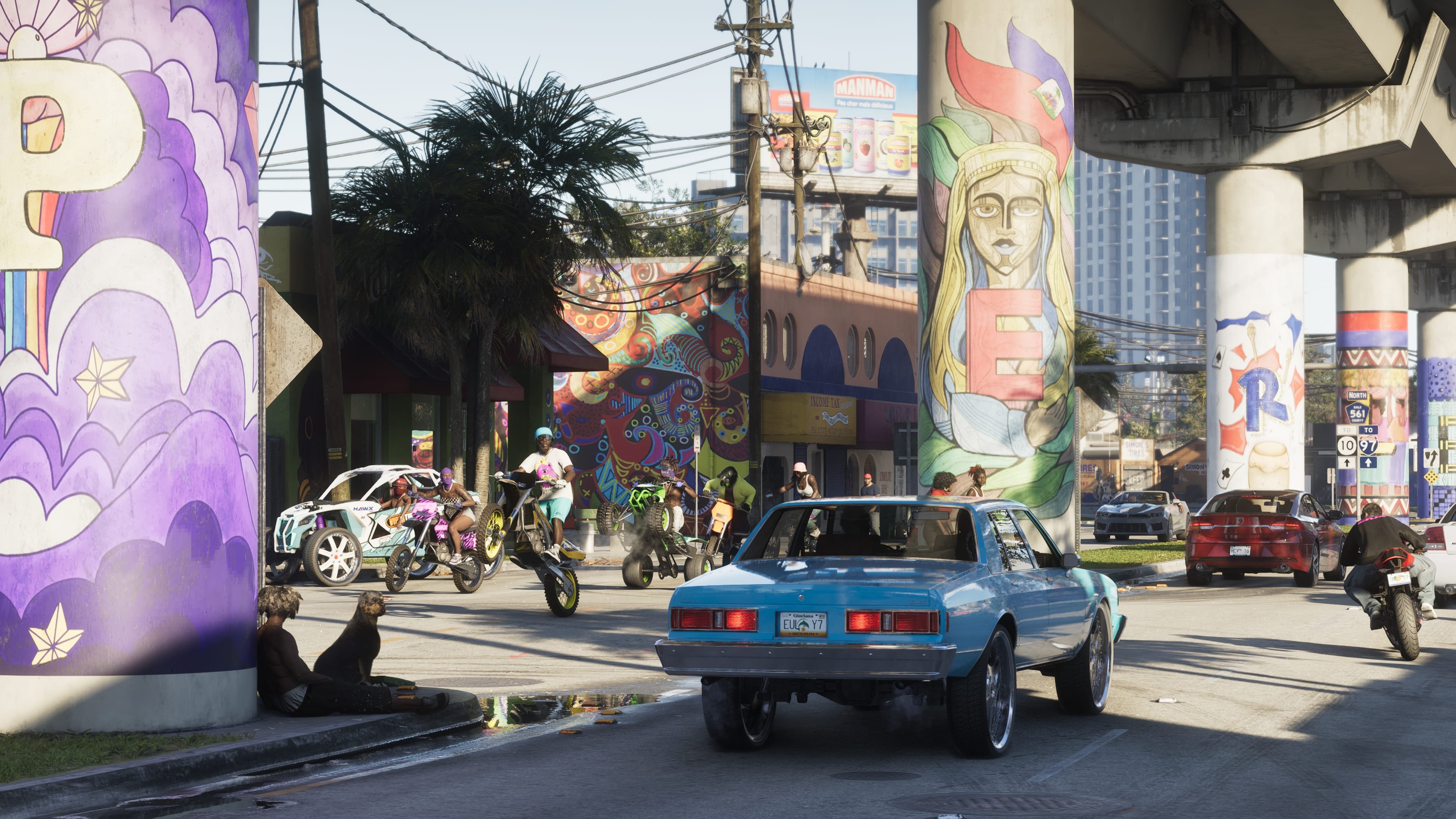
L’univers automobile, moto, aérien et nautique de GTA VI, avec les modèles, les usages et les possibilités de personnalisation.- 2 fiches
-
Armes & équipement
- Armes de poing
- Fusils & carabines
- Armes longues
- Explosifs & gadgets
- Armes de corps à corps
- Armure & protection
- Accessoires spéciaux
Les armes, protections et accessoires qui accompagnent les affrontements, la survie et les activités criminelles dans GTA VI.- 1 fiche
-
Marques & enseignes
Les marques, commerces et enseignes fictives qui donnent à Vice City et Leonida leur identité satirique et commerciale.- 6 fiches
-
Musique & radios
La bande-son de Leonida, ses stations, ses artistes et les morceaux qui participent à l’identité musicale de GTA VI.Pas encore de fiches ici -
Missions
Toutes les informations liées aux missions de GTA VI, de la trame principale aux objectifs secondaires.Pas encore de fiches ici
-