



- Club ouvert
- 21 membres
À propos de ce club
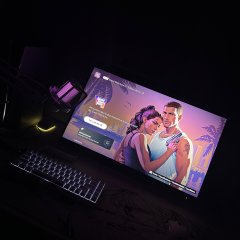
Espace dédié aux joueurs PlayStation de VI Hub : entraide, organisation, discussions, sessions, captures et échanges autour de l’expérience sur PS5.
Quoi de neuf dans ce club
-
SqwaZ a rejoint le club
-
Eric Divin BOUMBOU ATTYS a rejoint le club
-
aks a rejoint le club
-
JayZyy a rejoint le club
-
EFLUGO a rejoint le club
-
Paul Manian DEMBELE a rejoint le club
-
M9 a rejoint le club
-
julian_lstr a rejoint le club
-
Pepito a rejoint le club
-
FvZe! a rejoint le club
-
Lilclovi a rejoint le club
-
Blandski a rejoint le club
-
BlArKo a rejoint le club
-
RomanSeiiize a rejoint le club
-
Yohan a rejoint le club
-
yann C. a rejoint le club
-
Amine a rejoint le club
-
Azura a rejoint le club
-
Tom a rejoint le club
-
romanreignsusos a rejoint le club
-
Ilyes a rejoint le club